
3N Tech Services
5 Signs You Need Professional Computer Repair
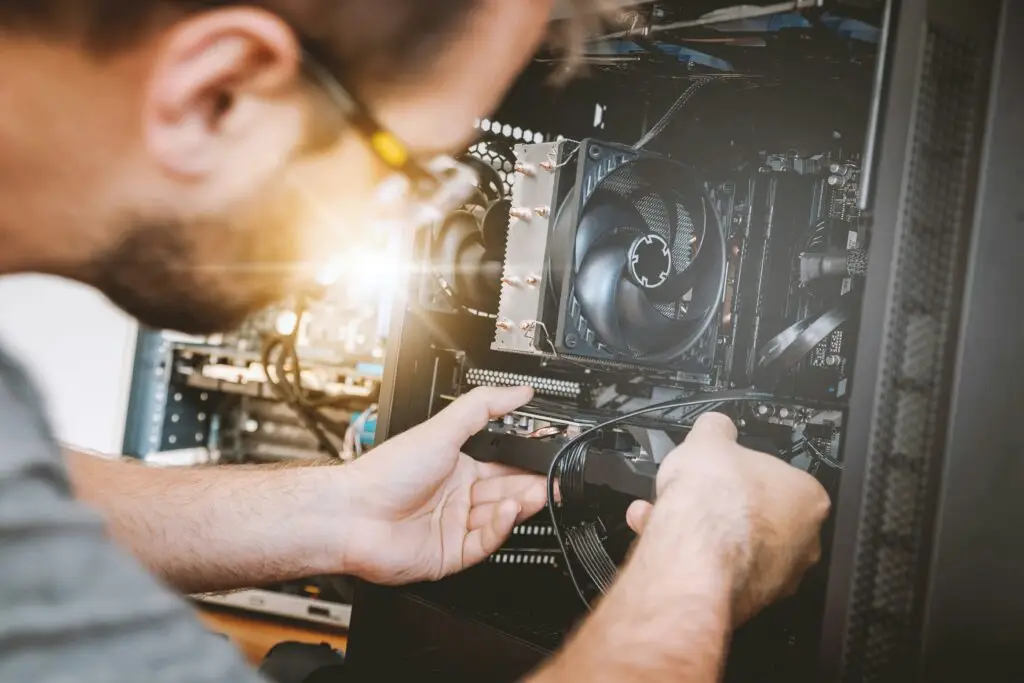
Computers rarely stop working without giving you a few warning signs first. Slow performance, repeated crashes, strange errors, and hardware problems can all point to a larger issue. Knowing when to seek professional computer repair can help you avoid more frustration and keep your device working reliably.
1. Your Computer Is Running Much Slower Than Usual
A computer that suddenly feels much slower may be dealing with more than normal wear and tear. Programs may take longer to open, websites may load slowly, or switching between applications may become frustrating.
Slow performance can come from software problems, limited storage, outdated components, or other system issues. A professional can diagnose the cause and determine whether your computer needs a repair, upgrade, or simple adjustment.

2. Your Computer Keeps Freezing or Crashing
An occasional freeze can happen, but frequent crashes or unexpected shutdowns are a sign that something may be wrong.
The issue could be related to software conflicts, system errors, overheating, or failing hardware. Restarting the computer may temporarily solve the problem, but it does not always address the cause.
Professional troubleshooting can help identify why the crashes keep happening and provide a more reliable solution.
3. You Keep Seeing Errors or Software Problems
Frequent error messages, programs that will not open, failed updates, or software that stops responding can make even simple tasks difficult.
Sometimes these problems are caused by corrupted files, incorrect settings, compatibility issues, or operating system problems. Trying several different fixes from online tutorials can also make troubleshooting more difficult.
A computer repair professional can identify the source of the error and help get your system working properly again.

4. Hardware or Connected Devices Are Not Working Correctly
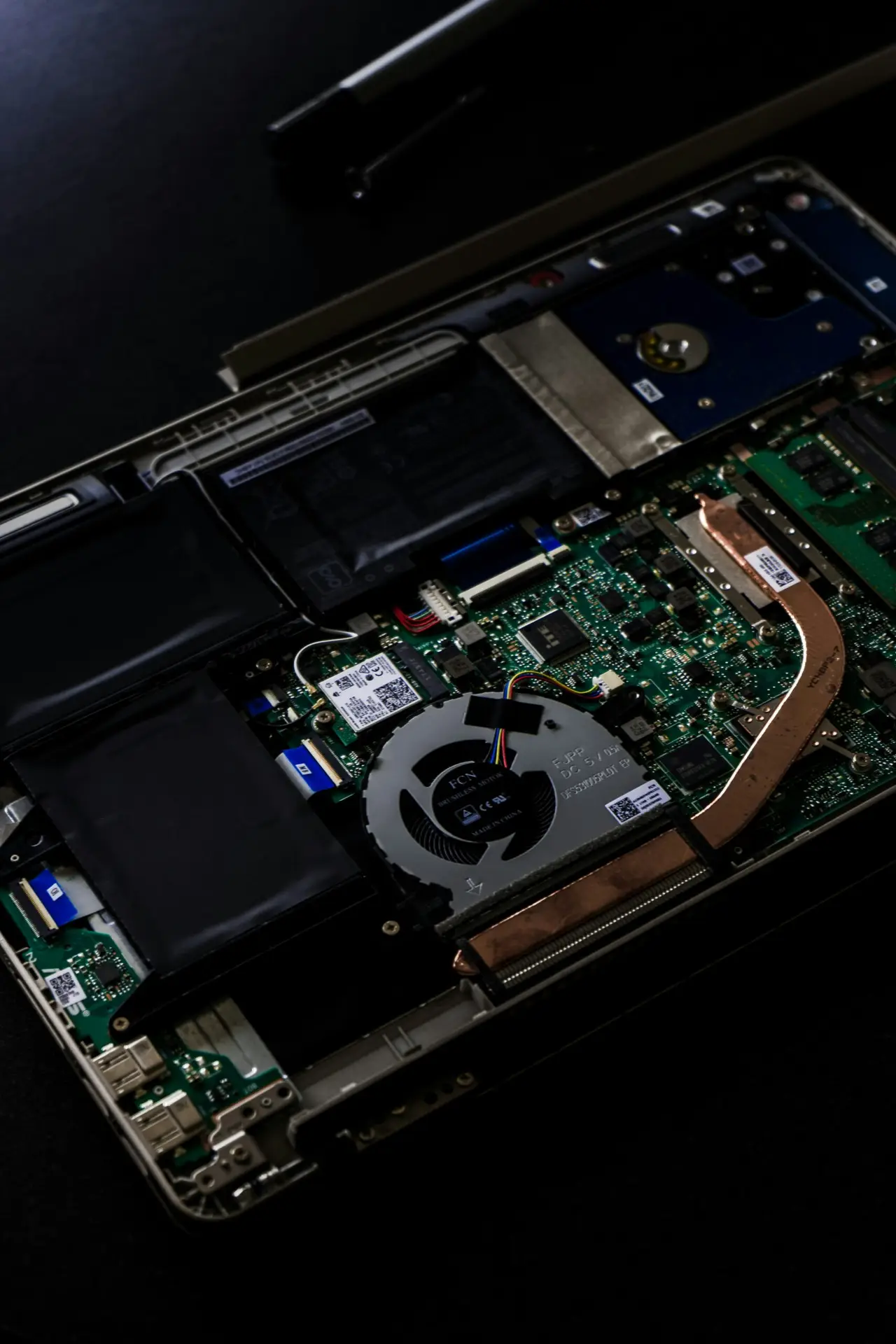
Not every computer problem starts with software. Internal hardware, storage, memory, printers, and other connected devices can also cause problems.
You may notice that your computer struggles to start, a printer suddenly stops connecting, or a component no longer works the way it should.
A professional inspection can help determine whether the issue can be repaired, whether a component should be upgraded, or whether replacement makes more sense.
5. The Same Problem Keeps Coming Back
If you keep experiencing the same issue after restarting your computer, changing settings, or trying basic troubleshooting, there may be an underlying problem that has not been resolved.
Repeated issues can waste time and eventually affect your ability to depend on your computer for work or everyday tasks.
Professional computer repair focuses on identifying the cause of the problem instead of repeatedly treating the same symptom.

Get Help With Your Computer
You do not have to wait until your computer completely stops working before asking for help. Addressing problems early can often save time and make it easier to determine the right solution.
3N Tech Services provides computer and laptop repair for homeowners and small businesses throughout the Bighorn Basin. If your computer is slow, crashing, showing errors, or simply not working the way it should, tell us what is happening and we can help determine the next step.